
Starting Your Own Practice While You Work at Another Clinic
Open a clinic of your own, with its own subscription, on the login you already use: alongside the clinic you work at, or when you leave it.
Starting Your Own Practice While You Work at Another Clinic
If you're on another clinic's team in Daobook and are opening a practice of your own, whether alongside that clinic or in place of it, you don't need a new account. You add your own clinic, with its own subscription, to the login you already use, and switch between the two whenever you like.
Your free trial starts the moment you create the clinic, so do it about two weeks before your first day in your own practice.
Step 1: Open your subscription settings
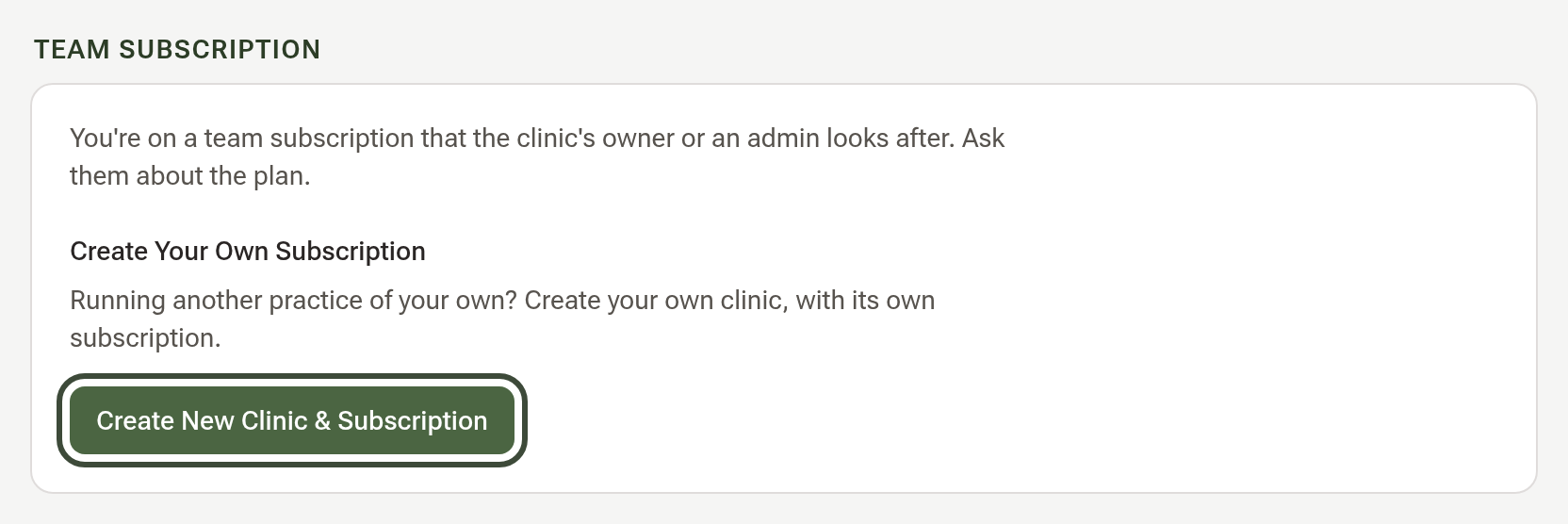
Click Settings, then the Billing & Payments tab, then Subscription. Because the other clinic's owner looks after its subscription, you'll see a Team Subscription box. Under Create Your Own Subscription, click Create New Clinic & Subscription.
Step 2: Enter your clinic's details
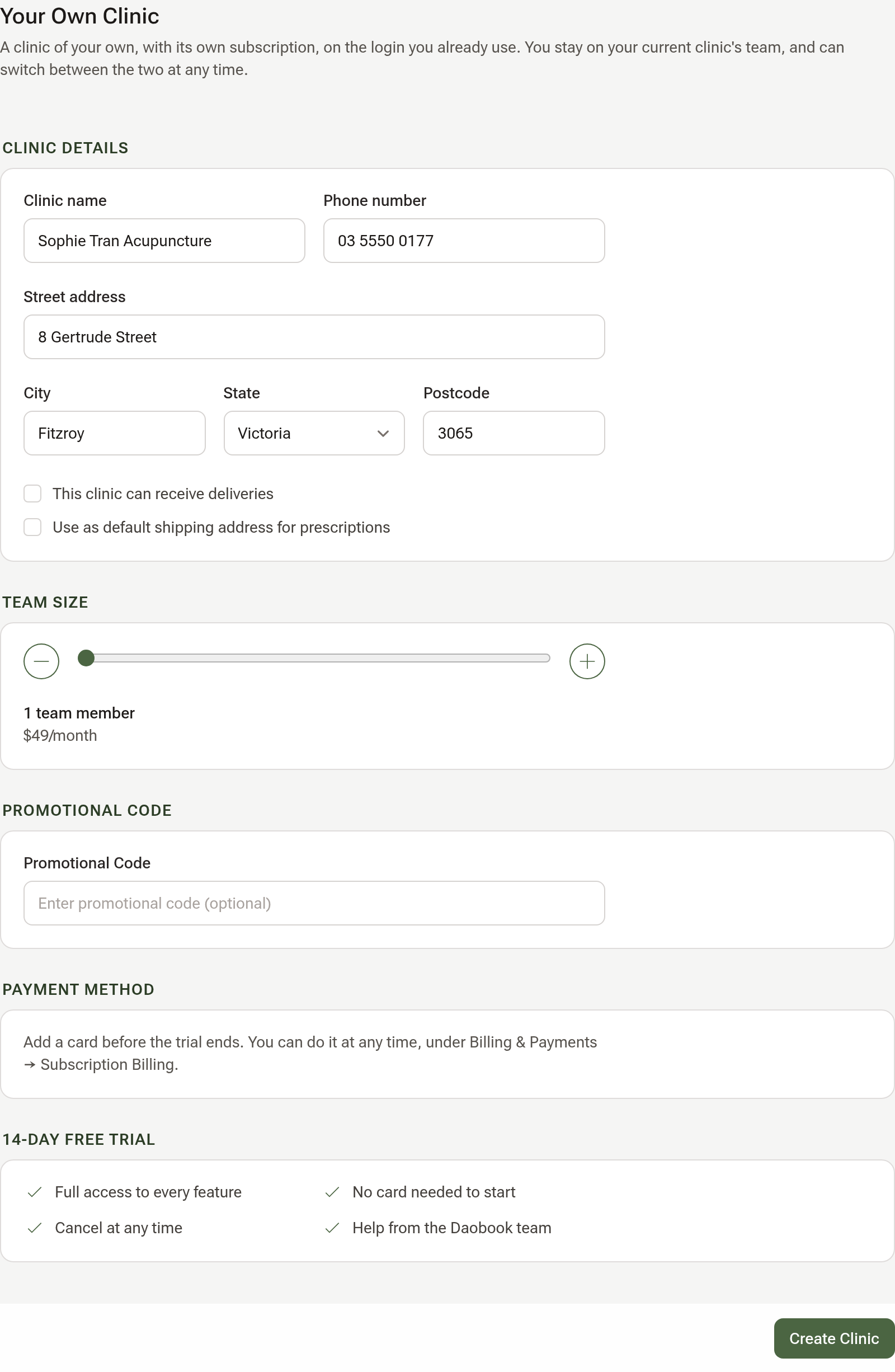
On the Your Own Clinic page, fill in Clinic Details: your clinic's name, phone number and address. They appear on your invoices and booking page, and you can change them later.
Leave Team Size at 1 if you'll practise on your own; the monthly price shows under the slider. If you have a promotional code, type it under Promotional Code, and a green tick shows it has been accepted.
Click Create Clinic.
Step 3: Switch between your two clinics
Daobook opens your new clinic straight away, on its empty calendar. The clinic you work at is still there. On the calendar, click your clinic's name at the top to switch between them; on other pages, the name is at the foot of the sidebar.
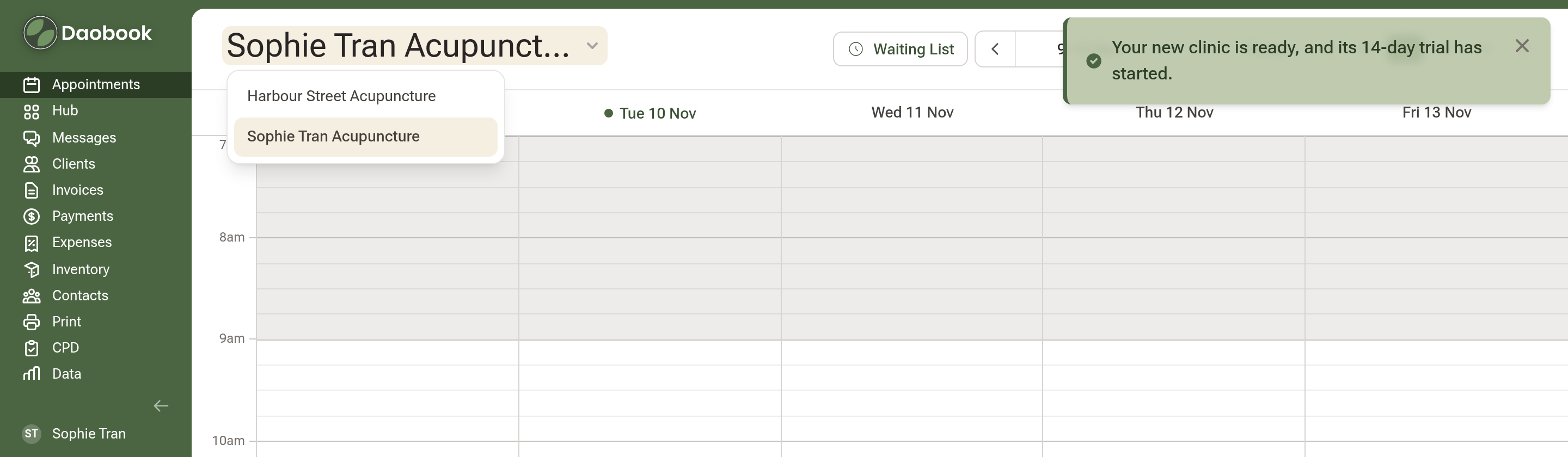
Whatever you set up applies to the clinic you're in, so check the name before you change a setting.
Step 4: Set up your new clinic
With your new clinic selected, work through:
- Setting Up Your Calendar: your working hours and appointment types.
- Setting Up Online Bookings: no website yet? You don't need one. Your booking page has its own link to share by text, email or social media.
- Taking Online Payments with Square or Stripe.
- Appointment Reminders, Confirmations & Cancellations.
- Provider numbers are kept per clinic, so add the ones for your new clinic's address under Settings → Practice Info → Provider Numbers.
What comes with you
Your own formulas and custom herbs, your CPD record and your registration details belong to you, so you'll find them in both clinics. Patient records, consultation templates and letters belong to the business they were made in: your new clinic starts with just Daobook's sample client, Ada Sample, and the other clinic keeps its own.
Step 5: Add a card before the trial ends
With your new clinic selected, go to Settings → Billing & Payments → Subscription Billing and add a card. Nothing is charged until the trial ends.
If you leave the other clinic
When you finish there, the clinic's owner removes you from their team. Your login and your own clinic carry on as before, and you no longer see that clinic's records.