
Giving a patient a copy of their record
Log a request for a copy, then download the whole record as one zip or send it to the patient by a secure link, with the deadline watched for you.
Giving a patient a copy of their record
A patient can ask for a copy of their record at any time. Daobook keeps the request, its due date and every copy you make in one place on the client's profile, and builds the whole record as one zip: a readable PDF, the notes, each invoice, intake form and letter, and their files.
Step 1: Open Their record
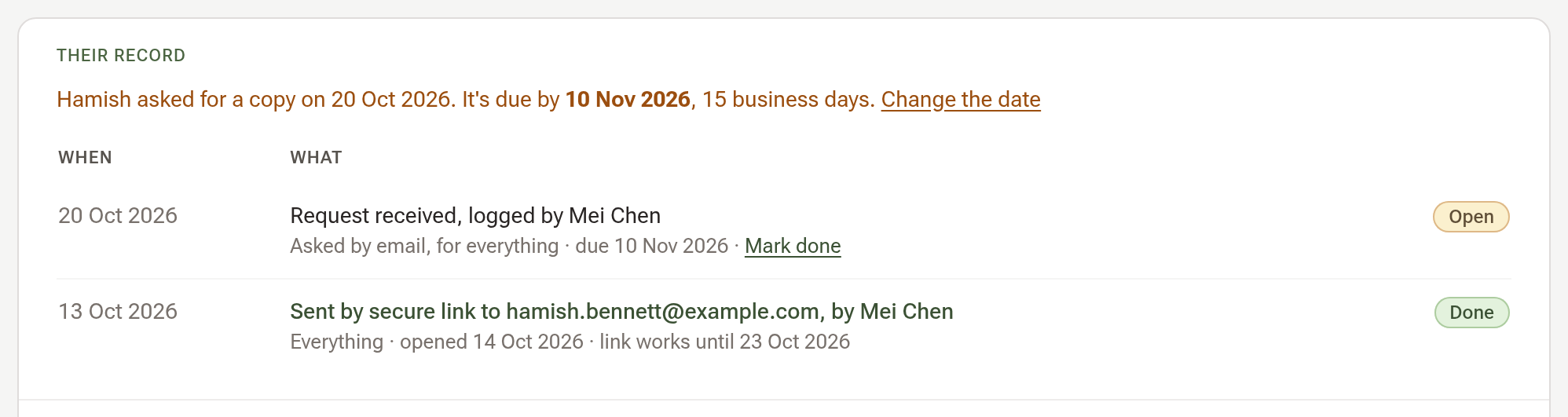
Open the client's profile and click Legal & Compliance in its side menu. The first part, Their record, lists the requests received and the copies sent or downloaded.
Step 2: Log the request
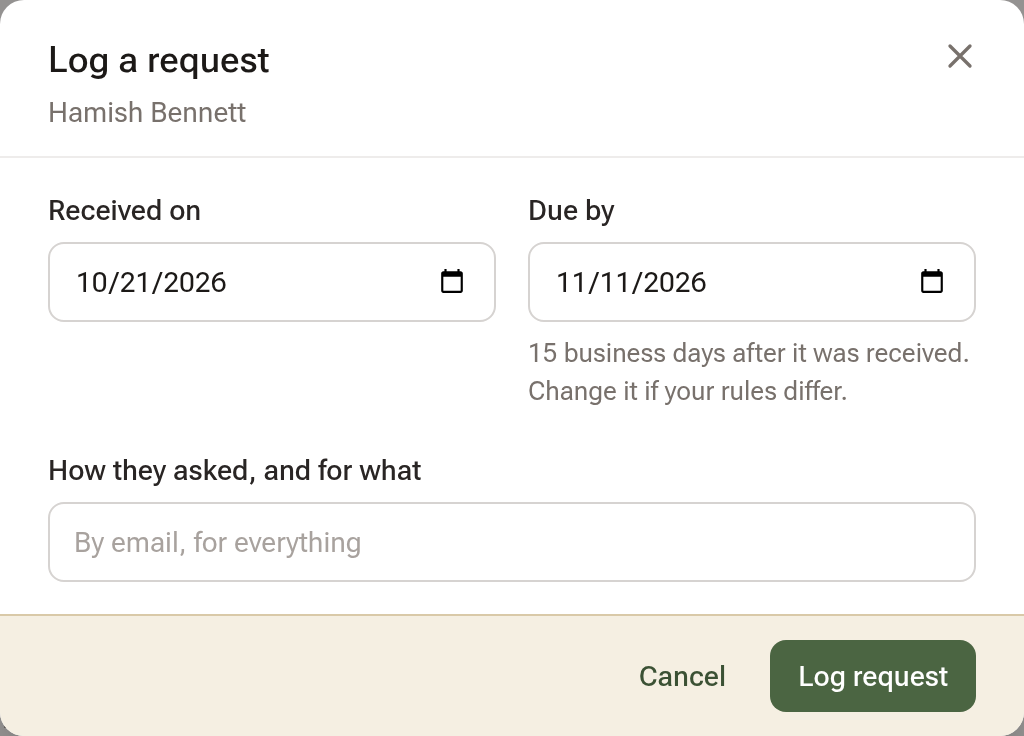
Click Log a request beside the section's title. The day it was received is today, the due day is 15 business days on (change it if your rules differ), and the line underneath is for how they asked and for what. Click Log request.
While the request is open, an amber line on Their record says when it is due, the client's Details rail shows it, and the Hub lists it once it is due within a week.
Step 3: Make the copy
Click Download or send a copy. Every part is ticked under What to include; untick what the patient didn't ask for. Under Where it goes, choose one:
- Download it now, to this computer.
- Send a secure link, to the patient's email. The link lasts 7 days and asks for their date of birth before it opens.
- Send it to someone else, on the patient's signed direction, which you upload here.
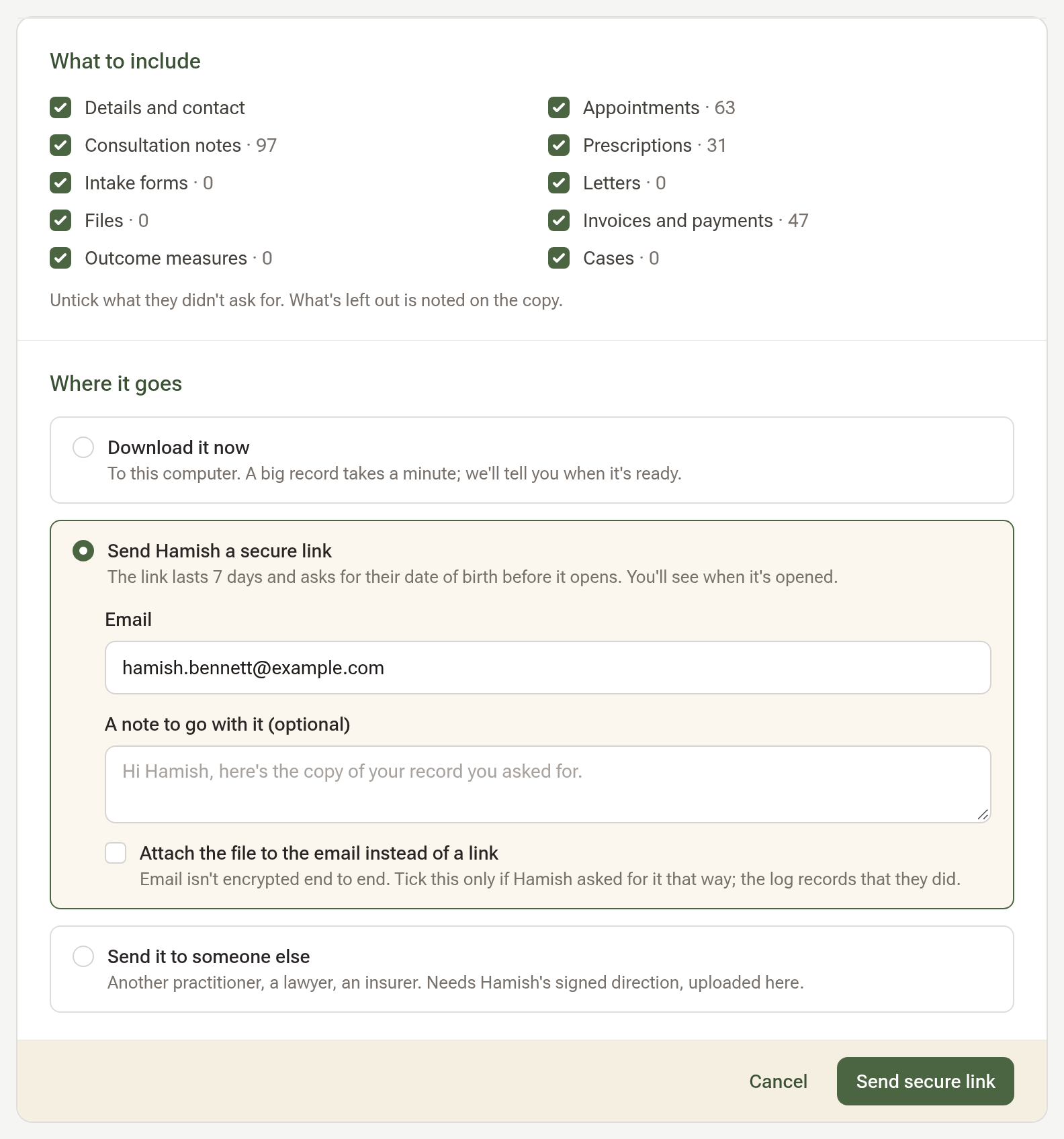
Click the green button. A download is offered on the next page once the copy is prepared; a link goes out by email, and the request is marked done.
Step 4: What the patient gets
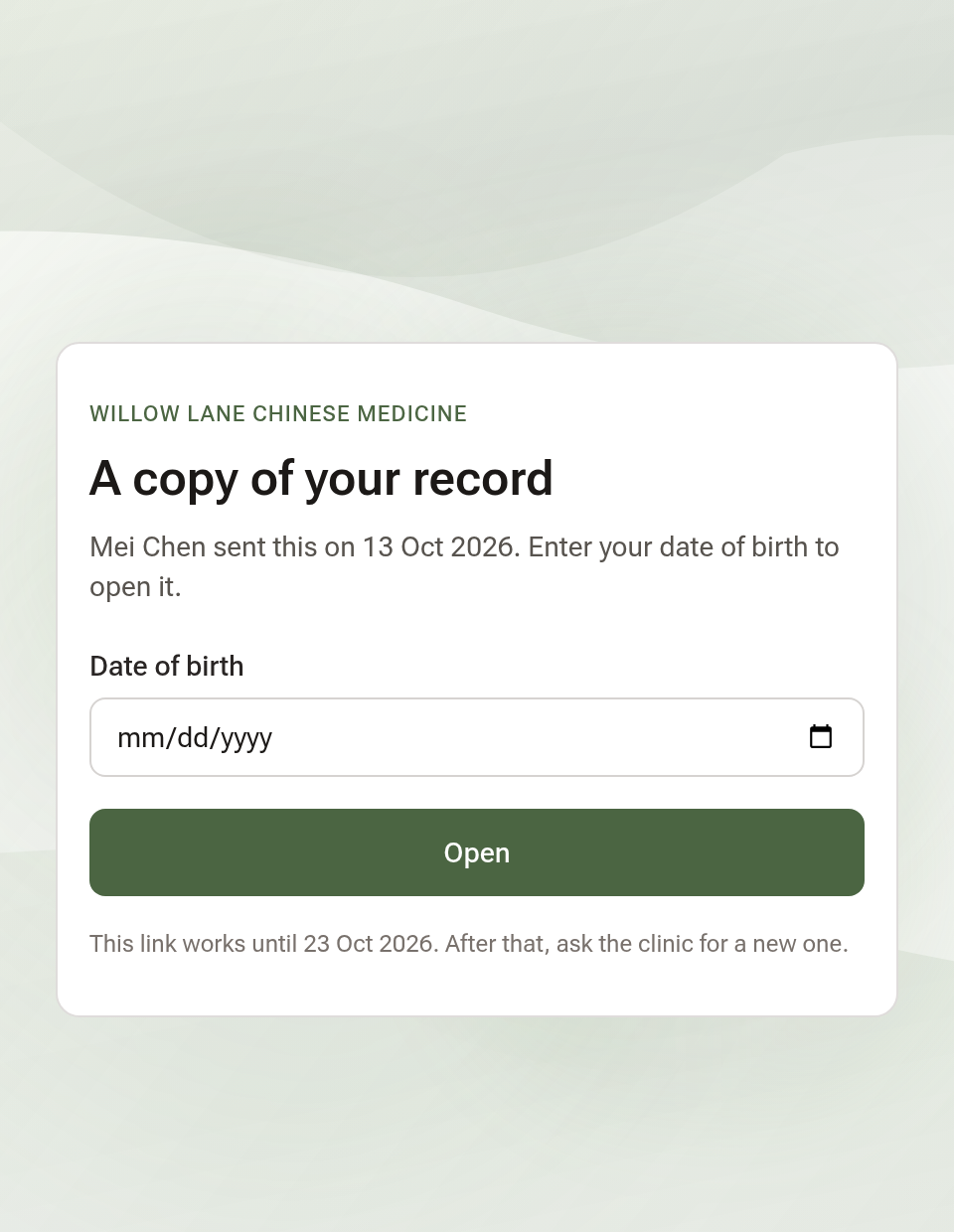
The email's link opens a page in your clinic's name that asks for their date of birth, then offers the zip. You'll see on Their record when it was opened.
Tips:
- Making a copy needs access to the client's notes; anyone at the desk can log the request.
- Every copy, download and the patient's own download is in the client's Who Opened This Record.